




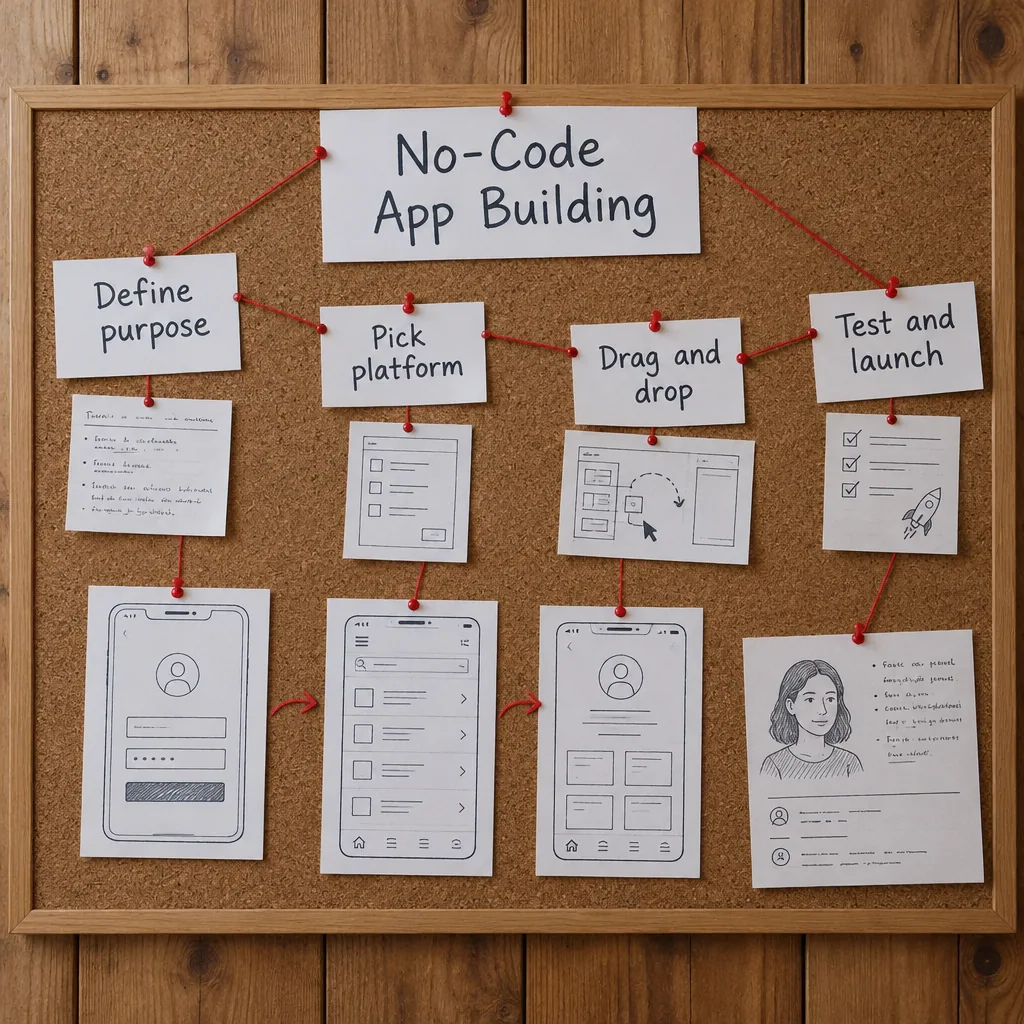
No-Code App Building
Description
Building an app without writing code is the subject of these ten PDF lessons. They start with your app’s purpose and audience and with choosing a no-code platform, then cover building the first interface and connecting data sources and a database.
Later lessons deal with workflows and automation, testing with real users, publishing and launching, and maintaining and scaling the app. The last lesson looks at monetization strategies. The PDFs include templates and exercises. The lessons are organized in the order of a real project, so you can use them while building your own app instead of reading everything first and starting later.
Who it is for: beginners with an app idea who want to build it without programming.
What’s included
10 PDF lessons · 68 pages · about 18,500 words
One ZIP download that is yours to keep — read on any device, no subscription or app needed.
Course programme
- Getting Started with No-Code App Building
- Understanding Your App’s Purpose and Audience
- Choosing the Right No-Code Platform for Your Needs
- Building Your First App Interface
- Connecting Data Sources and Setting Up Your Database
- Adding Functionality with Workflows and Automation
- Testing and Refining Your App for Real Users
- Publishing and Launching Your App Successfully
- Maintaining and Scaling Your No-Code Application
- Monetization Strategies for Your App Business

 5
Products
5
Products
-
Category:Productivity Tools
-
Product Type:Course
-
Level:Beginner
-
Duration:3–5 hours
-
Format:10 PDF lessons (ZIP)
-
Delivery:Download link by email and in Account → Orders
-
Delivery time:Instant, right after payment
What you get
-
10 PDF lessons One ZIP download · 1.1 MB
-
Instant download Right after payment — no waiting
-
Lifetime access Unlimited downloads from your account
-
3–5 hours of study Learn at your own pace
How it works
- Pay securely Visa or Mastercard with 3D Secure.
- Download instantly The download link arrives by email with your invoice and is always in Account → Orders.
- Learn on any device Open the PDF files on your phone, tablet or computer — no app or subscription needed.
14-day refund guarantee if you have used less than 25% of the content — see the Return and Refund Policy.

Tips, Tricks, and Inspiration
Dive deeper into the world of creativity with fresh ideas and expert advice from our blog.
How to Stay Motivated During Long Courses
Delayed Development: How to Change Your Mindset
Creating a Personal Learning Space