




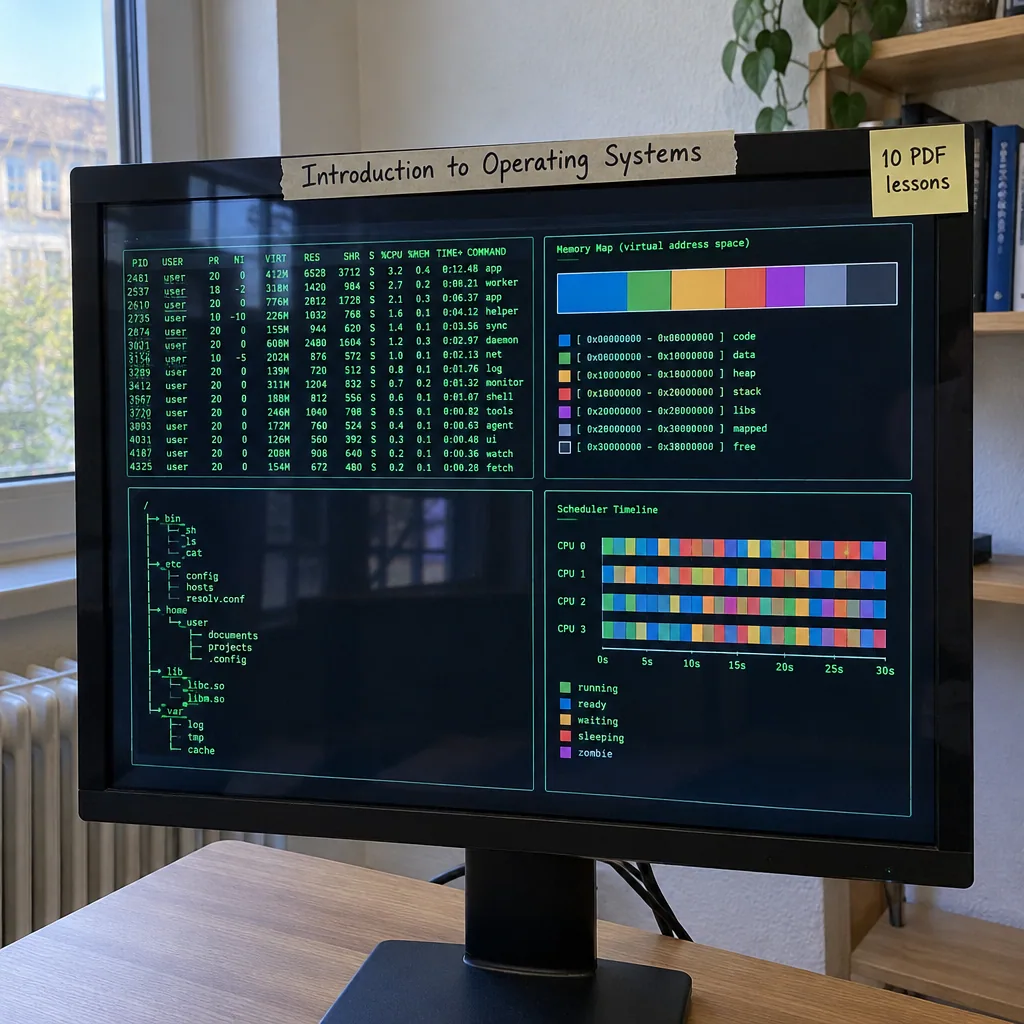
Introduction to Operating Systems
Description
Operating systems, what they do and how they are built, are explained in ten PDF lessons. They start with the role of the operating system and computer system architecture, then cover process management and CPU scheduling.
Further lessons deal with memory management and virtual memory, file systems and storage, process synchronisation and deadlocks, and security and protection. The last lessons look at virtualization, distributed systems, operating system design and real-world examples. After reading, you will be able to explain how a computer shares its resources between programs. Reference tables are included throughout.
Who it is for: students and career changers who want to understand how operating systems work.
What’s included
10 PDF lessons · 74 pages · about 21,000 words
One ZIP download that is yours to keep — read on any device, no subscription or app needed.
Course programme
- What Operating Systems Actually Do
- Understanding Computer System Architecture
- Process Management and CPU Scheduling
- Memory Management and Virtual Memory
- File Systems and Storage Management
- Process Synchronization and Deadlocks
- Security and Protection Mechanisms
- Virtualization and Distributed Systems
- Operating System Structures and Design
- Real-World OS Examples and Applications

 5
Products
5
Products
-
Category:Digital Literacy
-
Product Type:Course
-
Level:Intermediate
-
Duration:3–5 hours
-
Format:10 PDF lessons (ZIP)
-
Delivery:Download link by email and in Account → Orders
-
Delivery time:Instant, right after payment
What you get
-
10 PDF lessons One ZIP download · 1.2 MB
-
Instant download Right after payment — no waiting
-
Lifetime access Unlimited downloads from your account
-
3–5 hours of study Learn at your own pace
Add-ons
How it works
- Pay securely Visa or Mastercard with 3D Secure.
- Download instantly The download link arrives by email with your invoice and is always in Account → Orders.
- Learn on any device Open the PDF files on your phone, tablet or computer — no app or subscription needed.
14-day refund guarantee if you have used less than 25% of the content — see the Return and Refund Policy.

Tips, Tricks, and Inspiration
Dive deeper into the world of creativity with fresh ideas and expert advice from our blog.
How to Stay Motivated During Long Courses
Delayed Development: How to Change Your Mindset
Creating a Personal Learning Space