




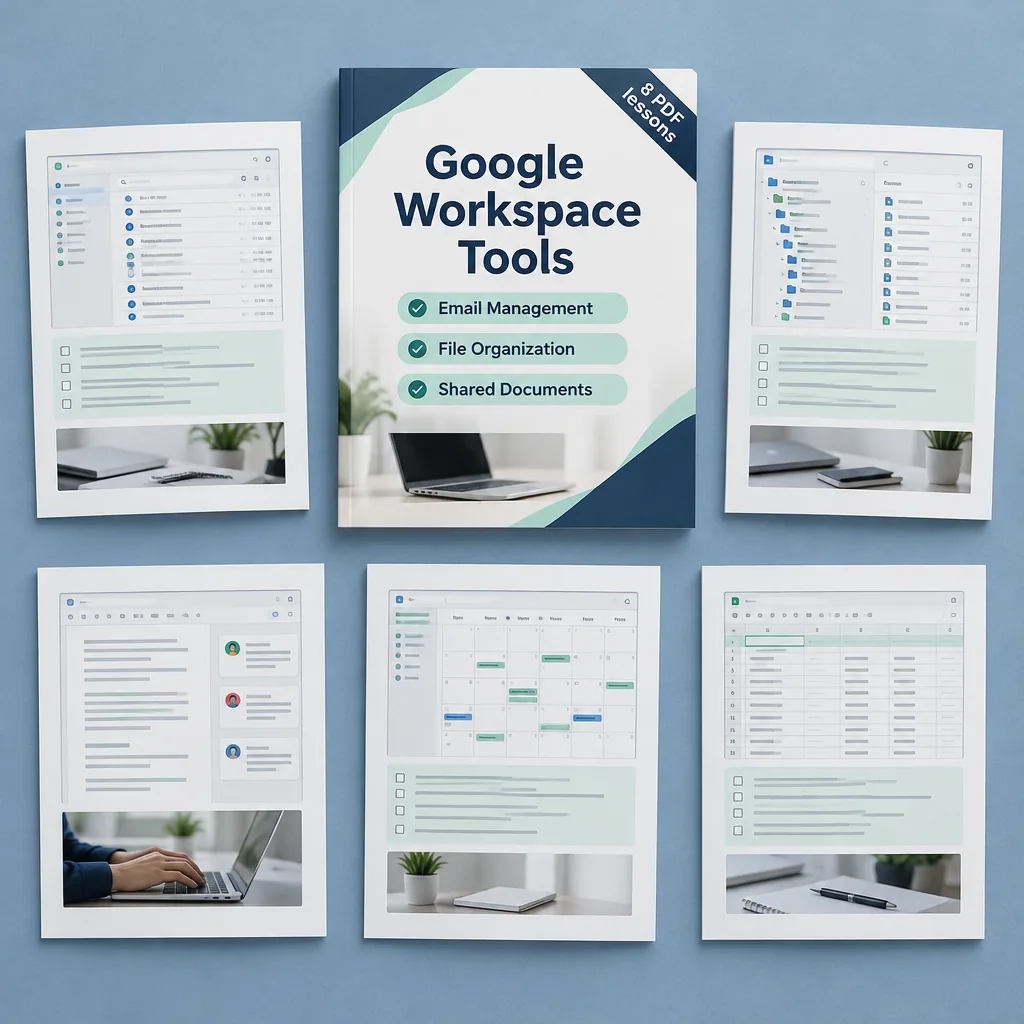
Google Workspace Tools
Description
Google Workspace brings email, files, documents and meetings under one account, and these eight PDF lessons introduce each part in turn. After an overview of getting started, the lessons cover Gmail, Google Drive, Google Docs, Sheets and Slides.
The remaining lessons look at Google Meet for collaboration and Google Forms for automating routine workflows. Each lesson is written for readers with little prior experience and uses tables and a checklist to keep the steps easy to follow. By the end you know which tool suits which task and how to work with others in shared files.
Who it is for: beginners who are starting to use Google Workspace for work, study or running a small team.
What’s included
8 PDF lessons · 54 pages · about 15,500 words
One ZIP download that is yours to keep — read on any device, no subscription or app needed.
Course programme
- Getting Started with Google Workspace
- Mastering Gmail for Daily Productivity
- Organizing Files with Google Drive
- Creating Documents with Google Docs
- Building Spreadsheets with Google Sheets
- Designing Presentations with Google Slides
- Collaborating with Google Meet
- Automating Workflows with Google Forms
Google is a trademark of its owner. This course is independent and is not affiliated with, endorsed or sponsored by the trademark owner.

 5
Products
5
Products
-
Category:Productivity Tools
-
Product Type:Course
-
Level:Beginner
-
Duration:30 min – 2 hours
-
Format:8 PDF lessons (ZIP)
-
Delivery:Download link by email and in Account → Orders
-
Delivery time:Instant, right after payment
What you get
-
8 PDF lessons One ZIP download · 626.3 KB
-
Instant download Right after payment — no waiting
-
Lifetime access Unlimited downloads from your account
-
30 min – 2 hours of study Learn at your own pace
How it works
- Pay securely Visa or Mastercard with 3D Secure.
- Download instantly The download link arrives by email with your invoice and is always in Account → Orders.
- Learn on any device Open the PDF files on your phone, tablet or computer — no app or subscription needed.
14-day refund guarantee if you have used less than 25% of the content — see the Return and Refund Policy.

Tips, Tricks, and Inspiration
Dive deeper into the world of creativity with fresh ideas and expert advice from our blog.
How to Stay Motivated During Long Courses
Delayed Development: How to Change Your Mindset
Creating a Personal Learning Space