




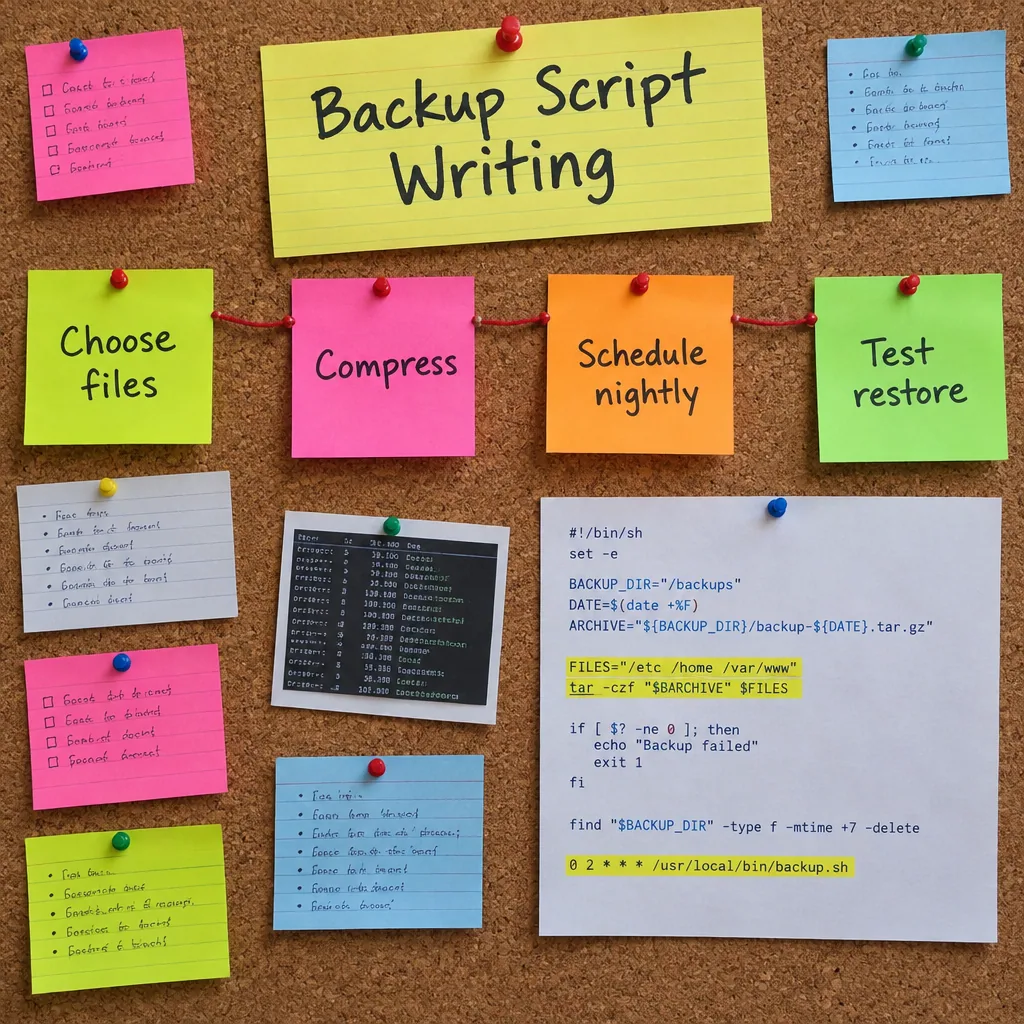
Backup Script Writing
Description
Backups fail quietly when they depend on someone remembering to run them. These nine PDF lessons explain why automation matters and how to prepare your environment for scripting.
You write a first basic backup script, add error handling and logging, and manage file compression and archives. Further lessons cover scheduling with cron jobs, incremental backups, securing your scripts and data, and troubleshooting common problems. Exercises in the PDFs give you scripts to read and adapt. After reading, you can set up an unattended backup that runs on a schedule and records when something fails.
Who it is for: users and junior administrators who want to automate backups with simple scripts.
What’s included
9 PDF lessons · 68 pages · about 17,500 words
One ZIP download that is yours to keep — read on any device, no subscription or app needed.
Course programme
- Understanding Backup Fundamentals and Why Automation Matters
- Setting Up Your Development Environment for Scripting
- Creating Your First Basic Backup Script
- Adding Error Handling and Logging to Your Scripts
- Implementing File Compression and Archive Management
- Scheduling Automated Backups with Cron Jobs
- Building Incremental Backup Systems
- Securing Your Backup Scripts and Data
- Troubleshooting Common Backup Script Issues

 5
Products
5
Products
-
Category:Productivity Tools
-
Product Type:Course
-
Level:Intermediate
-
Duration:3–5 hours
-
Format:9 PDF lessons (ZIP)
-
Delivery:Download link by email and in Account → Orders
-
Delivery time:Instant, right after payment
What you get
-
9 PDF lessons One ZIP download · 1.0 MB
-
Instant download Right after payment — no waiting
-
Lifetime access Unlimited downloads from your account
-
3–5 hours of study Learn at your own pace
Add-ons
How it works
- Pay securely Visa or Mastercard with 3D Secure.
- Download instantly The download link arrives by email with your invoice and is always in Account → Orders.
- Learn on any device Open the PDF files on your phone, tablet or computer — no app or subscription needed.
14-day refund guarantee if you have used less than 25% of the content — see the Return and Refund Policy.

Tips, Tricks, and Inspiration
Dive deeper into the world of creativity with fresh ideas and expert advice from our blog.
How to Stay Motivated During Long Courses
Delayed Development: How to Change Your Mindset
Creating a Personal Learning Space