




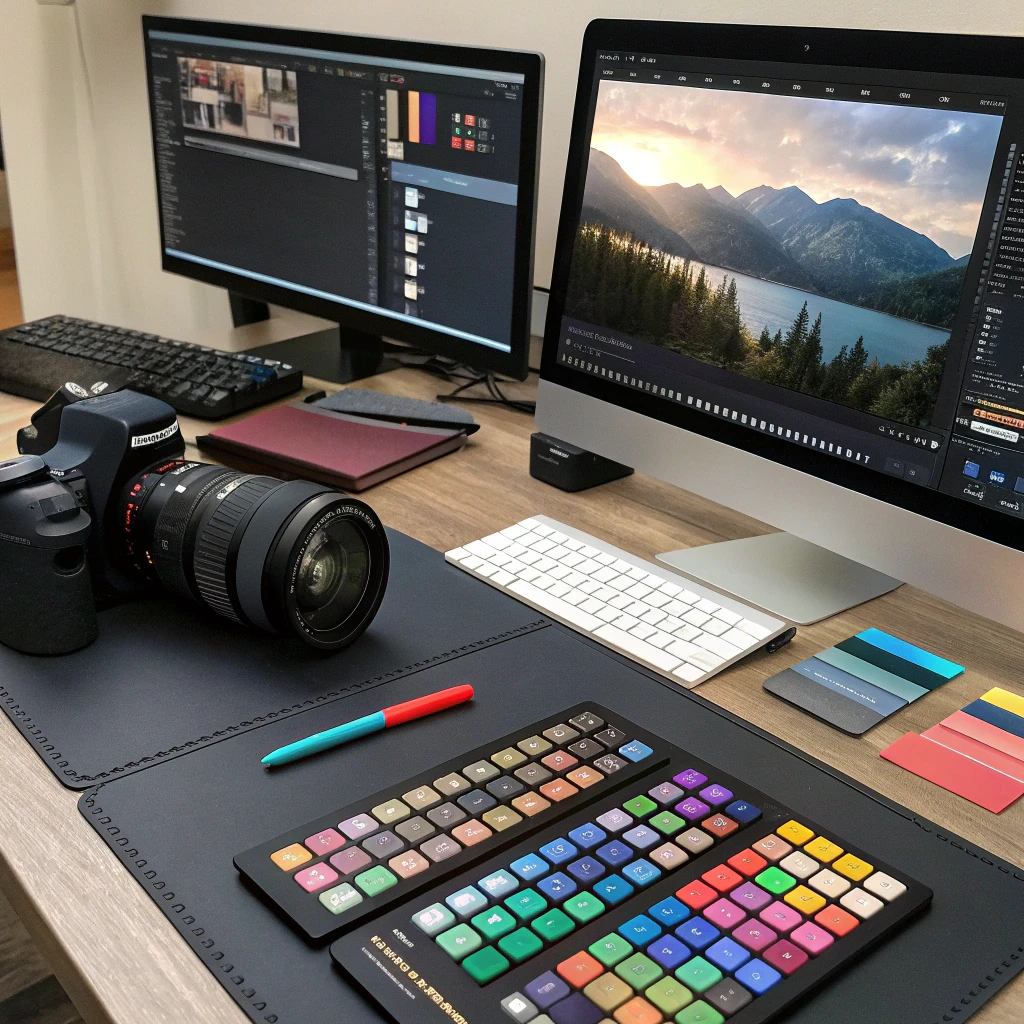
Photo and Video Editing Intro
Description
Discover how to elevate your casual snapshots and clips into polished, professional media with this engaging multi-day challenge. It cuts through the clutter of technical details, offering a direct path to hands-on editing techniques that yield noticeable improvements right away.
Spread across 12 detailed PDF guides, this program takes you step by step from the basics to mastery, all through focused text-based lessons. Start with the essentials of photo and video principles to grasp what makes visuals compelling. Next, ease into software basics, exploring interfaces and core tools that experts rely on daily—think simple ways to zoom through menus and select features without frustration.
Once comfortable, dive into straightforward tweaks: adjust colors to bring out the vibrancy in your images or trim footage for tighter pacing, smooth over jumps with seamless fades, and organize clips along timelines that keep your story flowing. As confidence grows, polish portraits by smoothing imperfections and restoring faded highlights, then weave in background sounds or tracks to give your videos emotional weight and rhythm.
Push further by fine-tuning tones for cinematic flair and layering subtle filters that add intrigue without overdoing it; meanwhile, arrange shots into narrative sequences that pull viewers in, like a photo series capturing a day’s adventure. Later sections introduce handling multiple angles for richer scenes, formatting exports tailored for Instagram feeds or blog embeds, and curating a collection of your best work to define your unique aesthetic.
Wrap up by tackling authentic challenges: edit a family video for sharing online, refine shots for a freelance gig, or build content that showcases your evolving style. These PDF resources emphasize a steady build—from initial tool familiarity to sophisticated output preparation—leaving you equipped to produce standout visuals infused with your personal vision, all drawn from practical, text-driven steps like getting started with fundamentals, software navigation, basic photo corrections, video cutting and transitions, retouching advancements, audio integration, grading and effects, photo storytelling, multi-camera workflows, platform-specific publishing, portfolio development, and real-world applications.
 2
Products
2
Products
-
Category:Photography
-
Rating:
-
Product Type:Challenge
-
Level:Practical only
-
Duration:Challenge (multi-day)

Share Your Experience
& Help Others Grow
Did this course help you on your creative journey? Your feedback is invaluable. It helps the instructor improve and guides future students in our community of creators.
You must be logged in to post a review.
Log inTips, Tricks, and Inspiration
Dive deeper into the world of creativity with fresh ideas and expert advice from our blog.
How to Stay Motivated During Long Courses
Delayed Development: How to Change Your Mindset
Creating a Personal Learning Space