




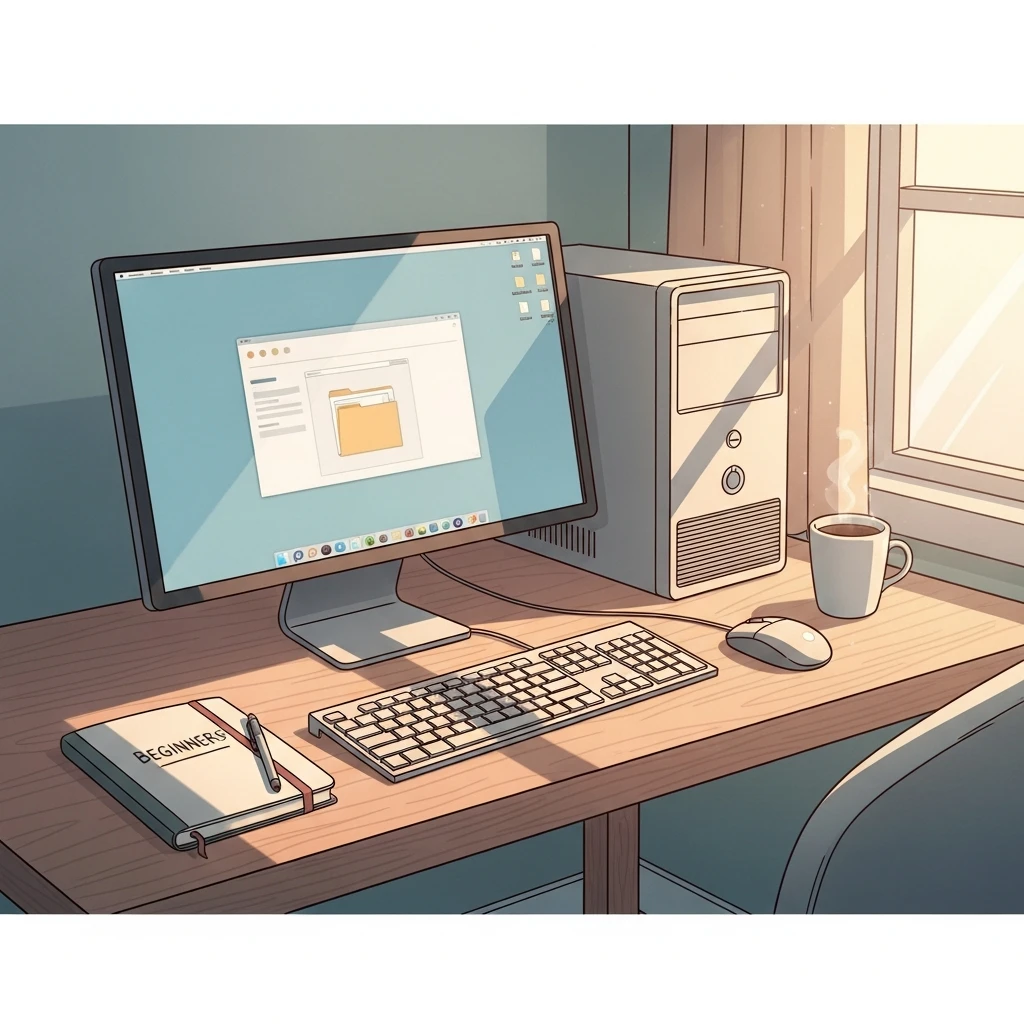
Introduction to Computer Basics
Description
For those just beginning their journey with computers or finding modern technology daunting, this beginner-level mini-course offers a structured path to gaining essential proficiency. Developed as a comprehensive resource, it equips newcomers with foundational knowledge through seven detailed PDF modules, each focusing on progressive, practical elements of computer use.
The materials begin by exploring initial interactions with hardware, such as powering up the device, mastering mouse and keyboard navigation, and identifying key components like ports and buttons. Participants then advance to software interfaces, delving into operating system essentials, including desktop management and basic command execution. File organization follows naturally, with guidance on establishing folders, storing documents and images, and retrieving them efficiently for routine needs.
Subsequent sections address connectivity and safety, covering internet access methods, effective searching techniques, email composition and transmission, alongside critical security measures to safeguard devices and data. The program concludes with problem-solving strategies for frequent issues, empowering users to resolve glitches independently without external assistance.
Delivered entirely through text-based PDF resources, these modules ensure a focused, distraction-free learning experience that builds steadily from one topic to the next. Concepts are presented in clear, accessible language, free from specialized terminology, allowing learners to apply newfound abilities immediately—whether drafting correspondence, handling digital media, conducting secure online transactions, or maintaining connections with loved ones. Covering ‘Getting Started with Your Computer’, ‘Understanding Hardware and Software’, ‘Mastering the Operating System’, ‘Essential File Management Skills’, ‘Introduction to Internet Basics’, ‘Basic Computer Safety and Security’, and ‘Troubleshooting Common Issues’, the course fosters lasting confidence in everyday computing tasks.

 4
Products
4
Products
-
Category:Digital Literacy
-
Rating:
-
Product Type:Mini-course
-
Level:Beginner
-
Duration:Short

Share Your Experience
& Help Others Grow
Did this course help you on your creative journey? Your feedback is invaluable. It helps the instructor improve and guides future students in our community of creators.
You must be logged in to post a review.
Log inTips, Tricks, and Inspiration
Dive deeper into the world of creativity with fresh ideas and expert advice from our blog.
How to Stay Motivated During Long Courses
Delayed Development: How to Change Your Mindset
Creating a Personal Learning Space