




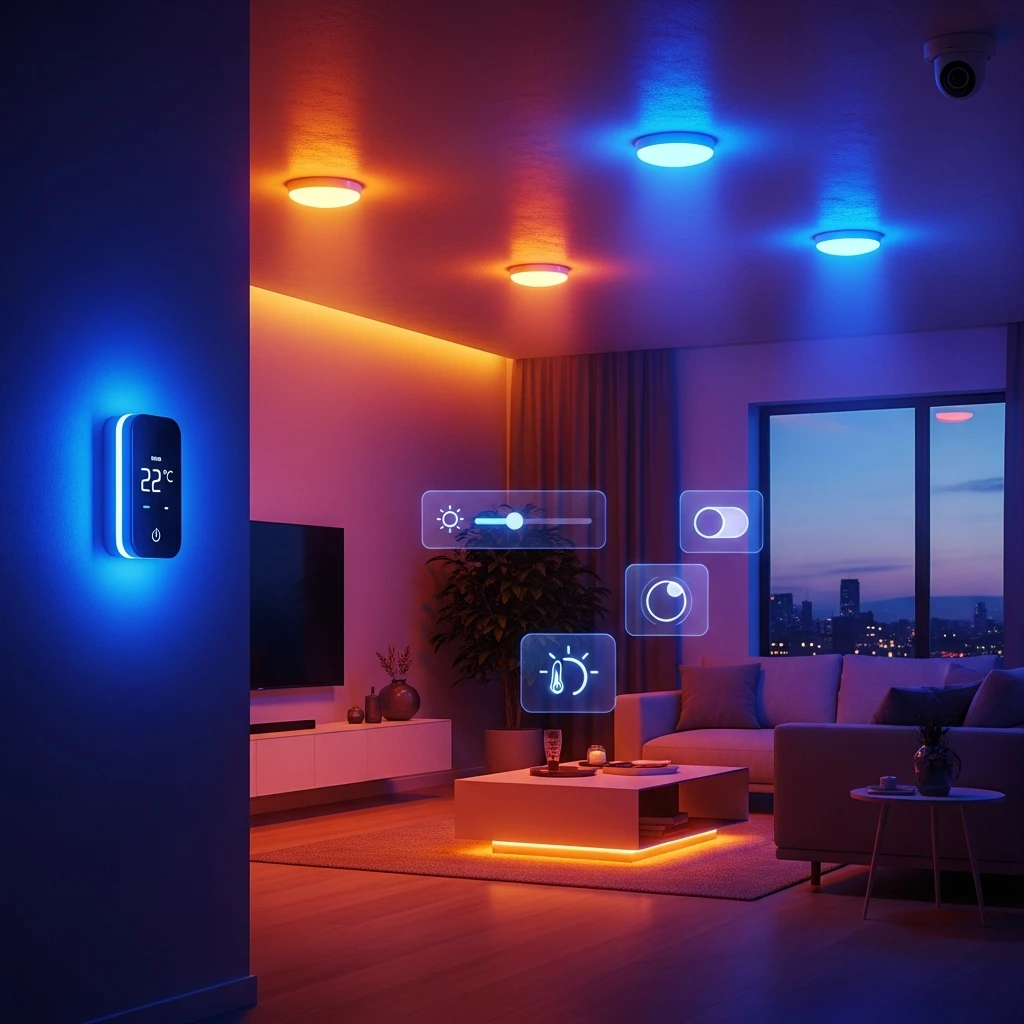
Smart Home Dashboards
Description
Smart home dashboards aren’t just about looking sleek—they’re the key to making complex automation feel effortless for anyone managing their daily life. Whether you’re tweaking lights during dinner or checking security from afar, this course dives into crafting interfaces that put control right at your fingertips, covering everything from lighting setups to climate tweaks, security alerts, and energy tracking without the usual tech overwhelm.
We kick off by breaking down what sets these systems apart from everyday apps: they need to anticipate how people move through their homes, drawing on real behaviors like quick morning routines or evening wind-downs to keep interactions smooth and intuitive. You’ll get hands-on advice for organizing key features, so important info—like room temperatures or door statuses—pops up exactly when you need it, cutting through clutter for faster decisions.
The real depth comes in visualizing data smartly: think charts that show energy spikes without drowning you in numbers, or subtle indicators for shifting humidity levels that alert you before it becomes an issue. For those always on the go, there’s targeted tips on mobile-friendly tweaks, ensuring your phone dashboard mirrors the full setup while handling everything from Zigbee devices to Wi-Fi quirks that often trip up integrations.
Beyond the basics, we explore everyday automations, like custom scenes for movie nights or bedtime rituals, plus ways to safeguard your data with robust privacy layers and personalize views based on your habits—maybe prioritizing security if you travel often. All this unfolds across ten PDF modules packed with textual guidance: starting from grasping dashboard essentials, moving to user-centered principles for home setups, laying out components and flows, visualizing metrics clearly, adapting for phones and tablets, linking smart devices seamlessly, building automation routines, tackling security and privacy, customizing advanced features, and wrapping with a hands-on project to design your own complete dashboard.
By the end, you’ll walk away with the know-how to build something practical yet visually inviting, turning your home into a space where tech supports you quietly, making management as simple as flipping a switch.

 3
Products
3
Products
-
Category:Graphic Design
-
Rating:
-
Product Type:Course
-
Level:Practical only
-
Duration:Medium (3–5 hours)

Share Your Experience
& Help Others Grow
Did this course help you on your creative journey? Your feedback is invaluable. It helps the instructor improve and guides future students in our community of creators.
You must be logged in to post a review.
Log inTips, Tricks, and Inspiration
Dive deeper into the world of creativity with fresh ideas and expert advice from our blog.
How to Stay Motivated During Long Courses
Delayed Development: How to Change Your Mindset
Creating a Personal Learning Space