




Board Game UI
Description
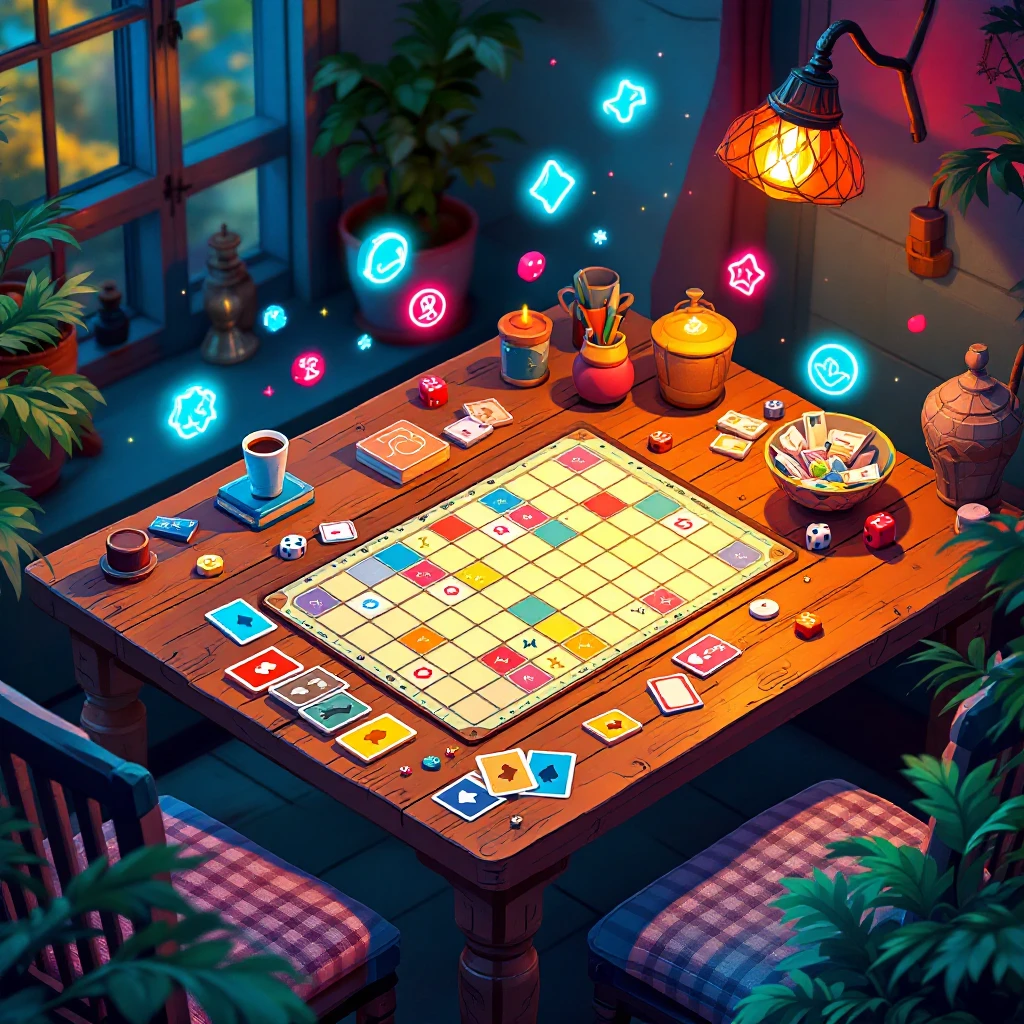
Designing user interfaces for board games means striking a balance between eye-catching visuals and the flow of immersive gameplay that keeps everyone hooked. Imagine having access to 14 detailed PDF modules, all centered on clear textual guidance that takes you step by step through the essentials of UI for tabletop games—no prior experience needed, just a willingness to experiment and refine.
You’ll kick things off by getting a solid handle on board game UI fundamentals, like what makes a layout intuitive during a heated session. Once that’s clear, you’ll move into core design principles that blend appeal with ease, ensuring your interfaces feel welcoming yet functional for players of all levels. Wireframing and prototyping become your early allies here, letting you sketch rough ideas and test them fast to spot what clicks before committing to final touches.
Think about navigation next: how do you craft systems that help players stay in the moment, guiding them through turns or board states without pulling them out of the fun? Colors and visual hierarchy play a big role too, showing you ways to layer shades and arrangements that subtly direct focus amid the chaos of cards flying and dice rolling. Fonts matter just as much for readability—picking ones that hold up in dim rooms or from across the table, so instructions never get lost in the shuffle.
Icons and symbols simplify everything, turning complex rules into quick, glanceable cues that speed up play and reduce confusion. Feedback loops for player interactions keep things responsive, making moves feel rewarding and immersive right from the first roll. As things get more involved, user testing enters the picture, where you’ll gather real opinions to tweak designs based on what actually works in group play.
For trickier setups, advanced patterns handle mechanics that need layered controls, like multi-phase turns or resource tracking. Cross-platform thinking rounds this out, adapting UIs for games that mix physical boards with app companions seamlessly. Documenting your journey helps build a strong portfolio, highlighting key projects that demonstrate your growth.
Drawing from real successes, the modules wrap with best practices and case studies from hit games, inspiring you to apply what you’ve learned in a capstone: a complete UI ready for the table. Whether you’re just starting out or looking to sharpen your skills, this resource delivers hands-on, methodical approaches to interfaces that enhance every game night.

 2
Products
2
Products
-
Category:Graphic Design
-
Rating:
-
Product Type:Challenge
-
Level:Starter-friendly
-
Duration:Challenge (multi-day)

Share Your Experience
& Help Others Grow
Did this course help you on your creative journey? Your feedback is invaluable. It helps the instructor improve and guides future students in our community of creators.
You must be logged in to post a review.
Log inTips, Tricks, and Inspiration
Dive deeper into the world of creativity with fresh ideas and expert advice from our blog.
How to Stay Motivated During Long Courses
Delayed Development: How to Change Your Mindset
Creating a Personal Learning Space