




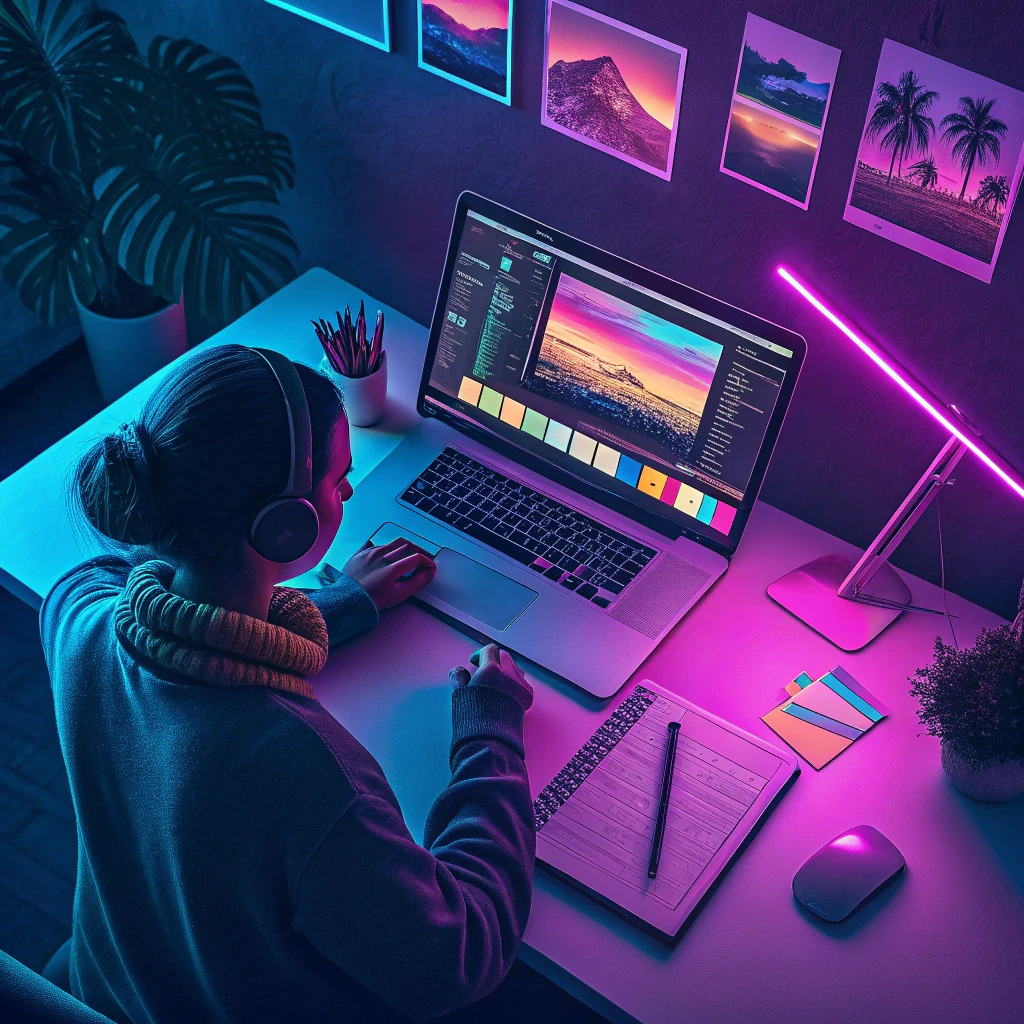
Photoshop Quick Start
Description
If you’ve ever looked at Photoshop and felt completely overwhelmed, this is the course for you. I created this step-by-step guide to take you from absolute beginner to confidently editing your own images in just a few hours. You’ll learn the essential tools and techniques that professional designers use every day, without the confusing technical jargon.
Inside this course, you’ll get 10 detailed PDF guides that walk you through everything from the basic interface to advanced editing techniques. We’ll start by getting comfortable with the Photoshop workspace and understanding how layers work – this is the foundation that makes everything else possible. Then we’ll dive into practical skills like color correction, adding text to your images, and creating professional-looking effects.
You’ll learn how to make precise selections, remove unwanted objects from photos, and retouch images like a pro. We’ll cover essential skills like cropping and resizing images for different platforms, working with smart objects to maintain quality, and exporting your final work for web, print, or social media. Each lesson builds on the previous one, so you’ll gradually build your confidence and skills without feeling overwhelmed.
Whether you want to enhance your personal photos, create graphics for social media, or just understand what all those Photoshop tools actually do, this course gives you the practical skills you need to start creating amazing images today.

 5
Products
5
Products
-
Category:Graphic Design
-
Rating:
-
Product Type:Mini-course
-
Level:Beginner
-
Duration:Medium

Share Your Experience
& Help Others Grow
Did this course help you on your creative journey? Your feedback is invaluable. It helps the instructor improve and guides future students in our community of creators.
You must be logged in to post a review.
Log inTips, Tricks, and Inspiration
Dive deeper into the world of creativity with fresh ideas and expert advice from our blog.
How to Stay Motivated During Long Courses
Delayed Development: How to Change Your Mindset
Creating a Personal Learning Space