




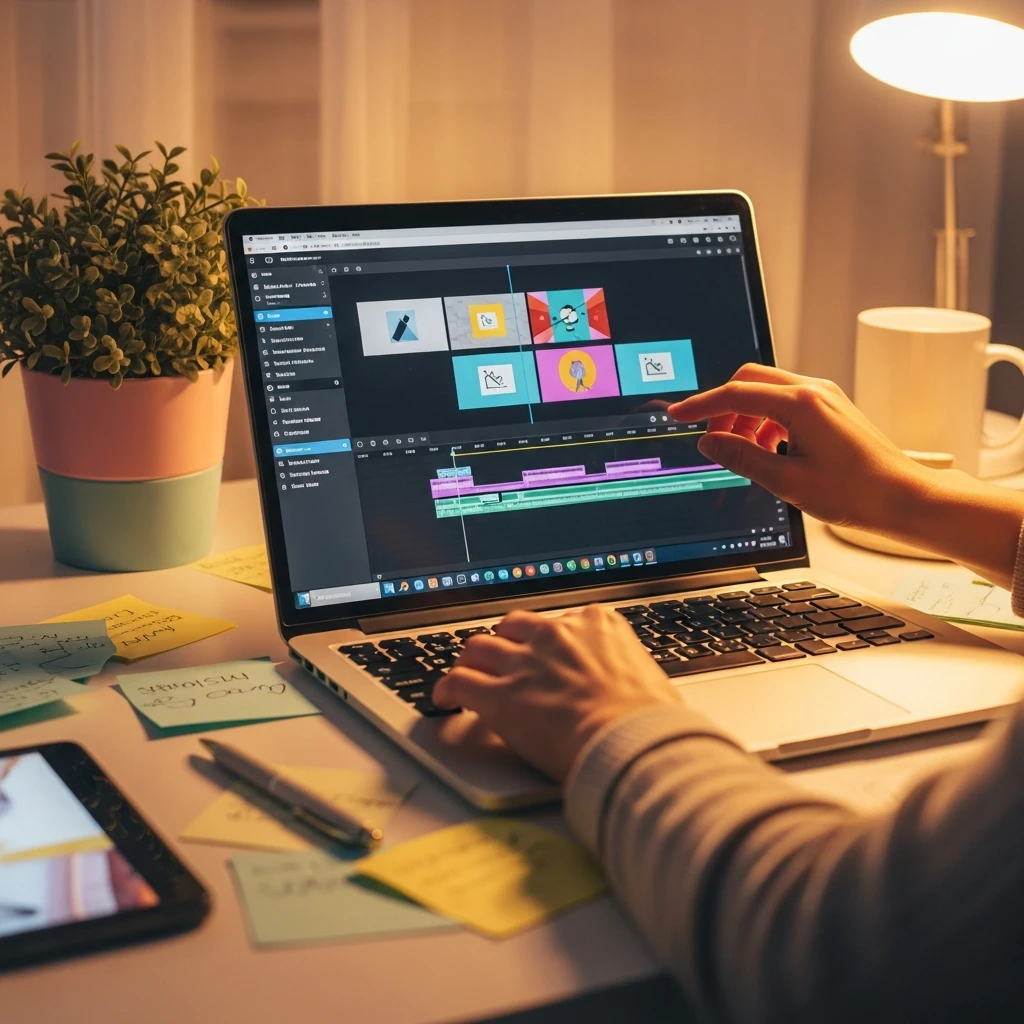
Video Editing for Beginners
Description
If you’ve ever wanted to create polished videos but felt overwhelmed by complex editing software, this course is your perfect starting point. I created this toolkit specifically for complete beginners who want to learn video editing from the ground up without the technical jargon and confusion.
Inside this course, you’ll find 10 practical PDF guides that walk you through everything from opening your first editing software to exporting professional-looking videos. We’ll start with the absolute basics – how to navigate editing interfaces, import your footage, and organize your files properly. Then we’ll move into actual editing techniques like cutting clips, adding smooth transitions, and syncing audio.
You’ll learn how to enhance your videos with color correction, add professional text overlays, create captions for accessibility, and master the export settings for different platforms. Each lesson builds on the previous one, so you’ll gradually develop the skills to create complete video projects from start to finish.
This isn’t just theory – it’s hands-on learning designed to get you editing real videos quickly. By the end, you’ll have the confidence to edit videos for social media, personal projects, or even professional use, all while understanding the workflow that makes editing efficient and enjoyable.

 5
Products
5
Products
-
Category:Productivity tools
-
Rating:
-
Product Type:Toolkit
-
Level:Beginner
-
Duration:Medium

Share Your Experience
& Help Others Grow
Did this course help you on your creative journey? Your feedback is invaluable. It helps the instructor improve and guides future students in our community of creators.
You must be logged in to post a review.
Log inTips, Tricks, and Inspiration
Dive deeper into the world of creativity with fresh ideas and expert advice from our blog.
How to Stay Motivated During Long Courses
Delayed Development: How to Change Your Mindset
Creating a Personal Learning Space